
I previously discussed that I had finally got around to making my first zine and was looking into the best way of getting it printed. This I have now done and thought it might be useful for anyone looking to create a zine to learn from my experience.
The first thing to say, as obvious as it might be in retrospect, is that zines are not photo books. I’ve created several photo books in the past and used printing companies like Photobox, Bob Books and Cewe to print them. These are all well established businesses and offer, on the whole, a decent service and good tools for creating books. The editing software can be online or downloaded, allowing you to layout your book using numerous styles as well as print them in a huge range of formats, paper qualities and sizes.
From what I have found companies printing zines are more “cheap and cheerful” and don’t offer the same range of editing tools. Once you realise this, and also figure out you almost certainly have the tools to create zines already on your computer, everything becomes so much easier. Basically, if you have the means to create a PDF file you can create a zine.
As a Mac user I used Apple Pages to create my zine. I could also have used Microsoft Word or PowerPoint I guess, or any other word processing or presentation program. I like Pages because of the ease of laying out images and also combining them with text. You can easily export to either PDF (for uploading to your chosen zine printer) or create an EPUB version you could self publish via, for example, Apple Books.
I created the simplest template for my zine I could think of. Basically an A5 sized document in landscape format with a blank white page. I could then create blocks of text or drag and drop images onto blank pages. In Pages you can easily move pages around, drag images into the document and resize them to fit. Here’s a screen shot of my finished zine in Pages showing the first few pages.

Once I was happy with the contents and the layout I simply exported the Pages document as a PDF file.
Next I needed to decide which printing firm to use to create my zine.
From doing online searches, and asking others I know who had created zines, I quickly narrowed my options down to two companies: Mixam and Doxzoo. I thought I would try both these by uploading the same zine to each and seeing which printed the best.
Mixam offers software for laying out your zine online but I found this extremely hard to use and wasted quite a bit of time wrestling with it trying to get what I wanted. I basically gave up on them at this point and tried Doxzoo who only offer the facility to print from either a PDF, DOC or PPT file. This is when I realised it was far easier to create what I wanted in Apple Pages and export to a PDF file. Having done that for Doxzoo I went back to Mixam and uploaded the same file to them and all was well. Having done this, I was ready to submit my orders.
The document I had created was 32 pages and contained 34 black and white images. 28 of these images were landscape hence my choice of a landscape layout for the zine. It’s worth noting at this point that Pages does not allow for an image to be flowed across two pages so creating a portrait oriented zine was not really an option. I could of course have put two images per page but that would have meant the images were too small for my liking (I was creating this zine A5 size which seems the most common one people use). Had I have been able to get the Mixam editing tool to work I believe I could have created a zine with images flowing across two pages in the style used by Café Royal Books for their zines which I quite like.
As an aside I have approached Café Royal to see if they would be interested in publishing my zine. As yet I’ve not had any reply.
So how much do the Mixam and Doxzoo charge for their service?
For Mixam one 32 page zine (booklet) size: A5, landscape, stapled, black and white printing, 120gsm uncoated, cost £4.50 plus £5.50 delivery via DHL (the cheapest option).
For Doxzoo the same spec cost £1.98 HOWEVER they have a minimum order of £5. This meant that with the 10% discount they offer for first time buyers I was able to get four zines for £5.94. Their cheapest delivery for this, with Royal Mail, is £4.45. Doxzoo also had a faster turnaround and delivery time. My zines arrived in just under a week with them whereas Mixam was just over a week. It’s also worth adding that although I only ordered one zine from Mixam, for some reason they sent me two, I’m not sure why.
Having received copies from both companies, in terms of quality they are both very similar. I would say that the Doxzoo zine was a bit more contrasty than the printing from Mixam but that was not a problem. I’d opted not to have a different cover for both so it’s the same paper throughout which was fine. The binding (stapling) was also adequate for both and looks like it will be fairly long lasting for the number of pages in the zine. Below are a few images of the Mixam version of the zine.


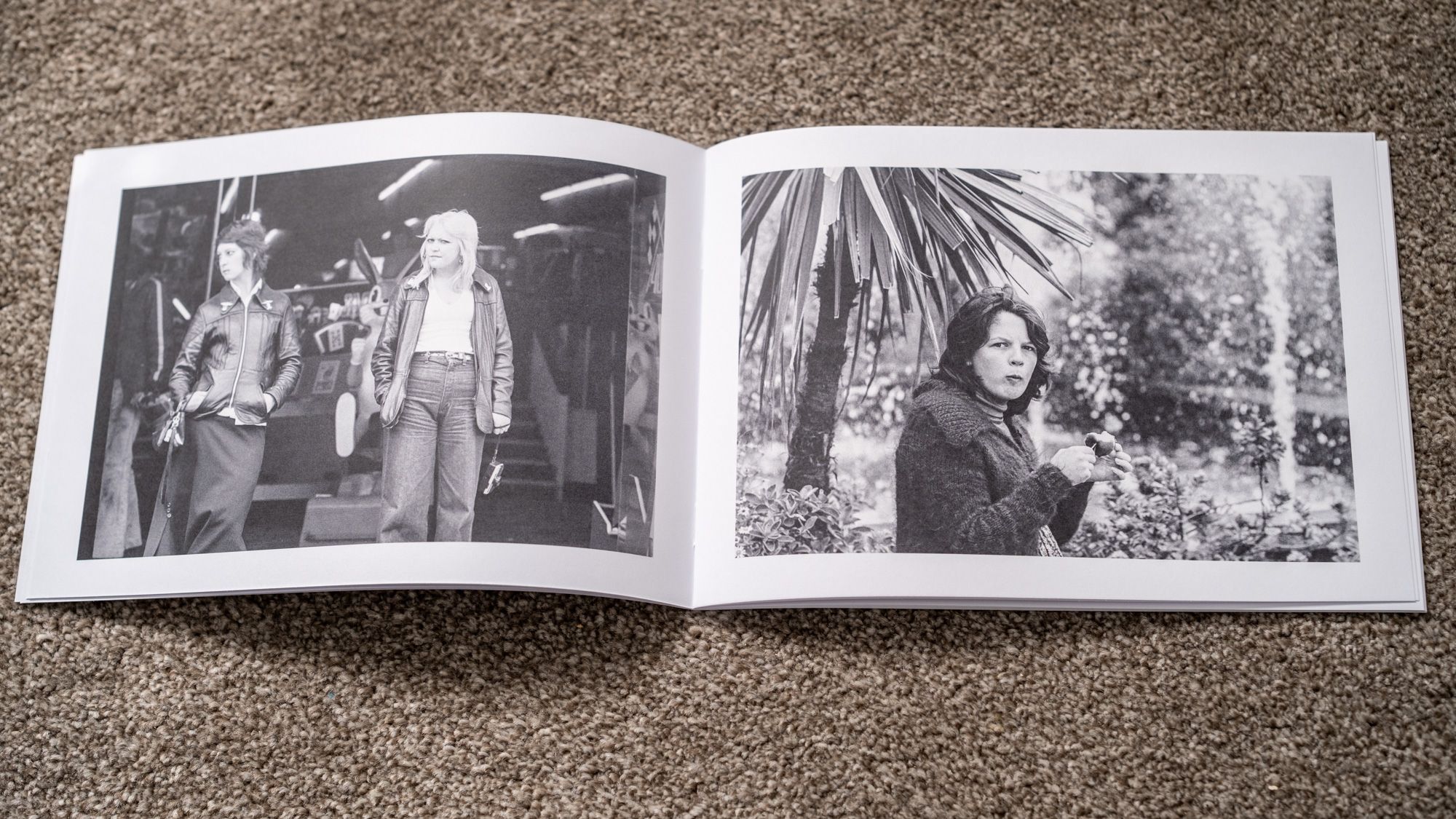
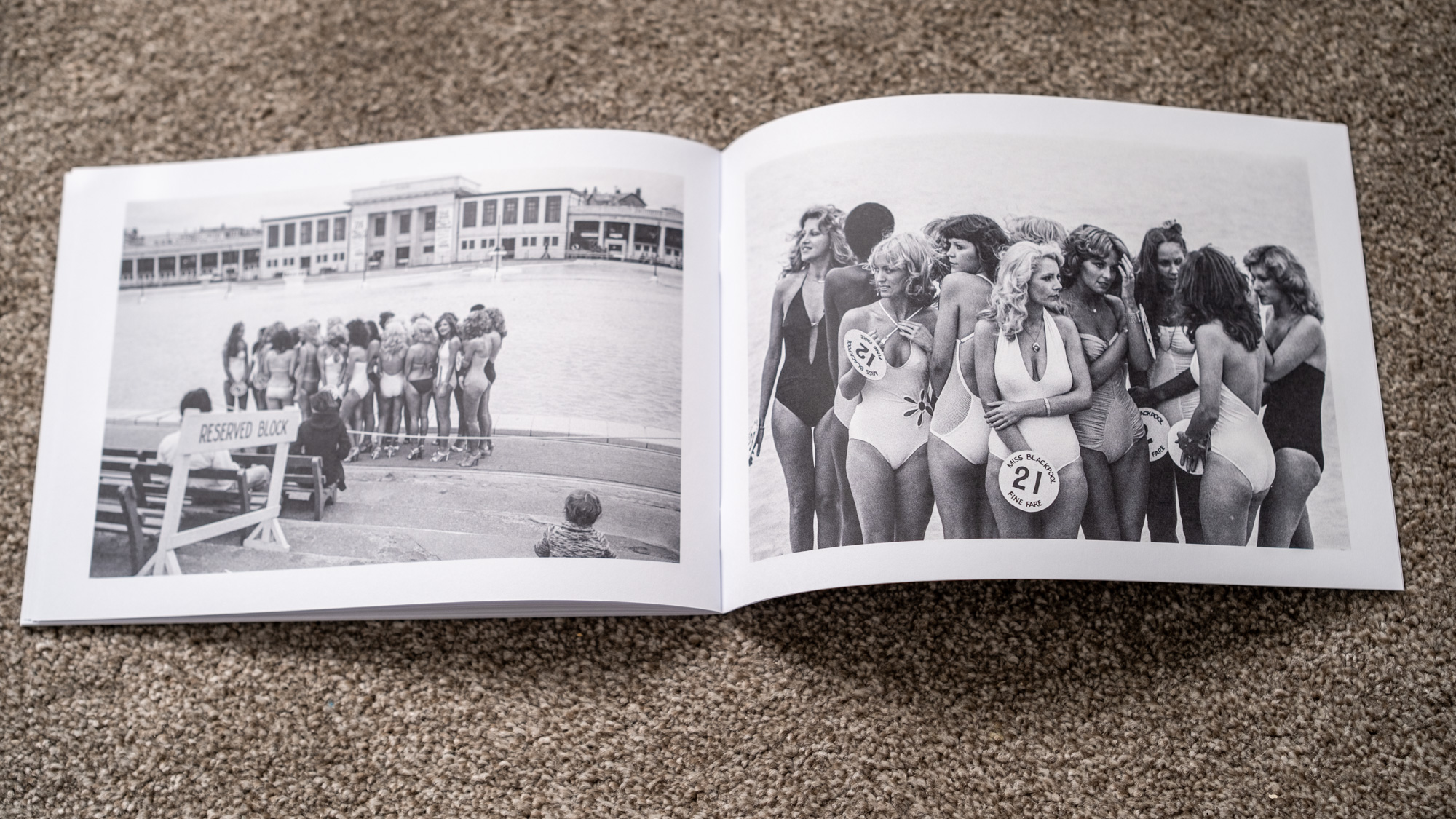

This is the first time I have seen printed versions of these images in nearly fifty years. The last time was of images I printed myself on Ilford photographic paper which I hand bound into my own book. It was lovely to see these images printed again and collected together in this way.
I would say there really is not a lot to choose between Mixam and Doxzoo. Clearly if price is a factor Doxzoo is better in that you get more copies for around £5. I’m not sure what the cost for larger numbers will be. That’s the next task once I decide how, and indeed if, I want to try and self-publish and sell this zine.
Getting my photographs printed in this way has certainly reminded me of how nice it is to see images on paper again rather than always online so I shall be printing more from now on. In all probability this will be with Doxzoo. Even though I get more copies than I need I can always give the others away or have some backups.
Update
I’ve now made this zine available to purchase at Doxzoo. The cost is £5.28 + p&p. The zine is A5 and printed on matt, 200gsm paper. It’s printed on demand and takes around 5 business days to arrive. You can order a copy by clicking this link.

 Peter Cripps
Leave a comment